Pick a preset01
Choose a look worth trying
Browse presets by the result you want, from recipe graphics to stylized portraits.
Preset Kitchen
Make your version of the internet's best image ideas.
Pick a preset, add your photo or idea, and get a result worth sharing without learning prompts or chasing settings.
Featured ideas
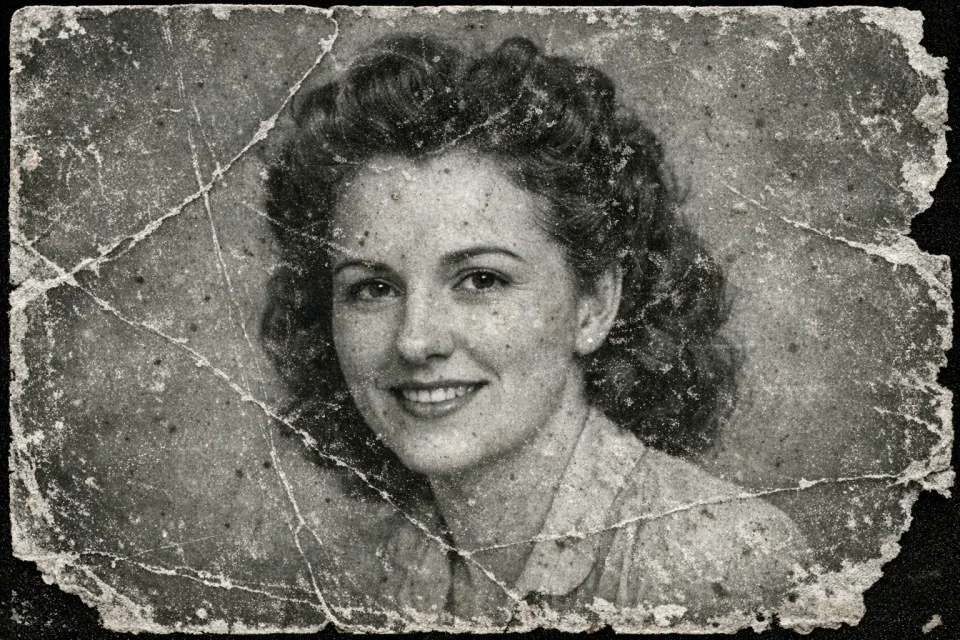
Before
Photo Restoration
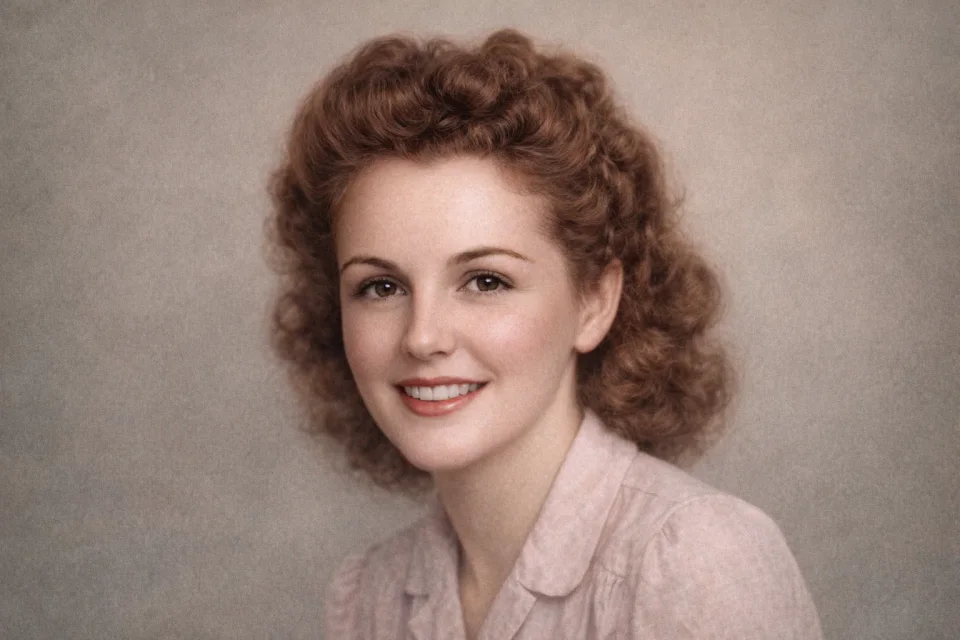
After
Photo Restoration
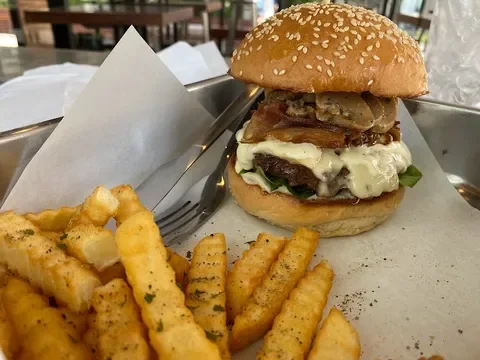
Before
Fix my food
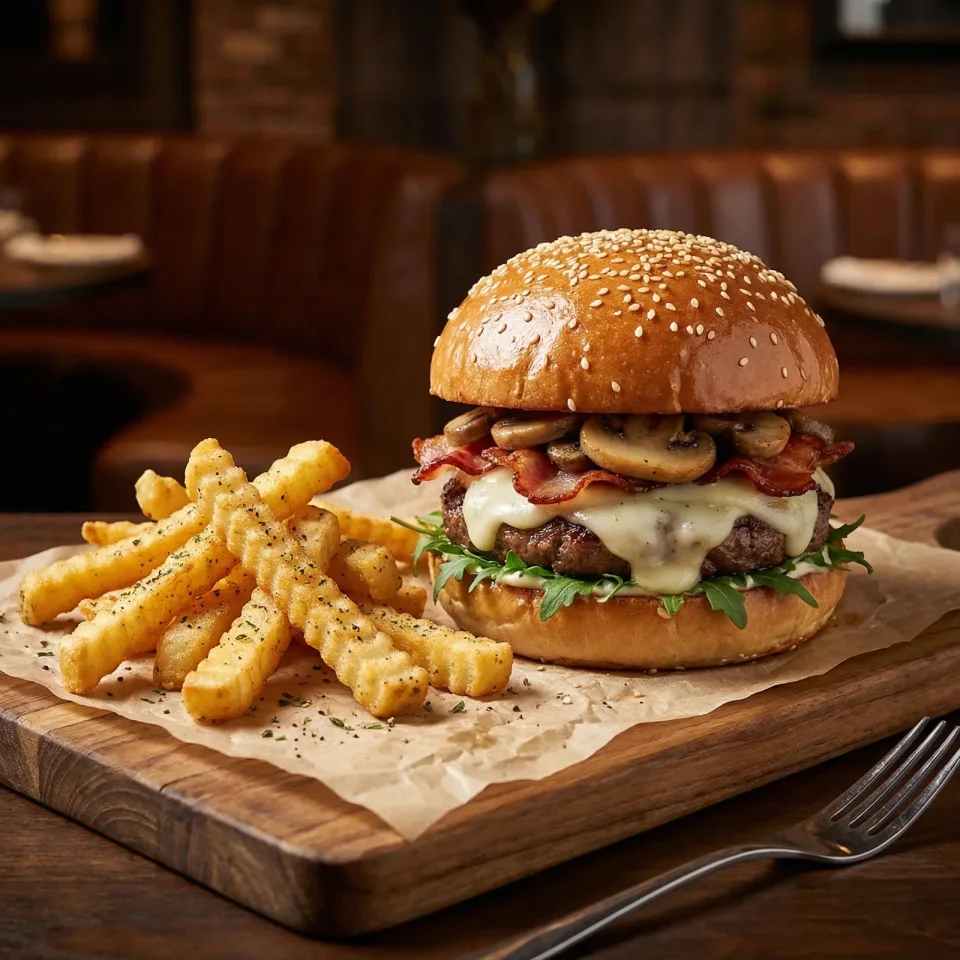
After
Fix my food
Popular presets
Each preset packages a strong example, a clear setup, and a faster way to make your version.

Restoration
Restore old photos from one uploaded image with colorized, cleaned outputs.
Caricature
Turn a portrait photo into a polished 3D caricature with exaggerated features and recognizable likeness.

Food
Turn your crappy food photo into a $1000 food photography photo.

Food
Generate a custom food recipe infographic
How it works
Start from an example that already has a direction, then make it yours in a few clear steps.
Browse presets by the result you want, from recipe graphics to stylized portraits.
Upload an image, enter a dish name, or fill in only the fields the preset needs.
Get a finished result you can save, share, tweak, or run again with a new input.
Popular things to make
Use presets built around familiar results, not blank creative prompts.
Make your own version of the looks and prompt ideas people pass around online.
Enter a dish and create a polished food infographic without designing it from scratch.
Turn a regular photo into a sharper profile image, character look, or stylized portrait.
Give flat product images a cleaner, more polished presentation.
Clean up older images, improve clarity, or make a rough photo easier to use.
Run the same preset on new inputs when you want a consistent set.
Examples
Before-and-after examples make the result clear before you spend time setting anything up.
Before
After
Repair and recovery
Restore old photos from one uploaded image with colorized, cleaned outputs.
Editorial food imagery
Turn your crappy food photo into a $1000 food photography photo.
Latest creations
Browse live examples, open the details, and jump into your own version when something clicks.

Best-mode validation for the Soft City Travel Poster preset.

Vintage red-type road trip poster with filmstrip moments and coastal scenery.

A darker typographic portrait shaped from grit, focus, and resolve.

A square retro-future screenprint poster for an AI cassette radio station.
Why Preset Kitchen
The product value is focus: fewer decisions, stronger examples, and clearer results.
Preset-led ideas instead of starting from a blank prompt
Visual examples before you commit to a look
Guided fields that keep setup simple
Repeatable presets you can reuse across more photos
Start now
Sign up, pick a preset, and turn an idea or photo into something much closer to finished.